
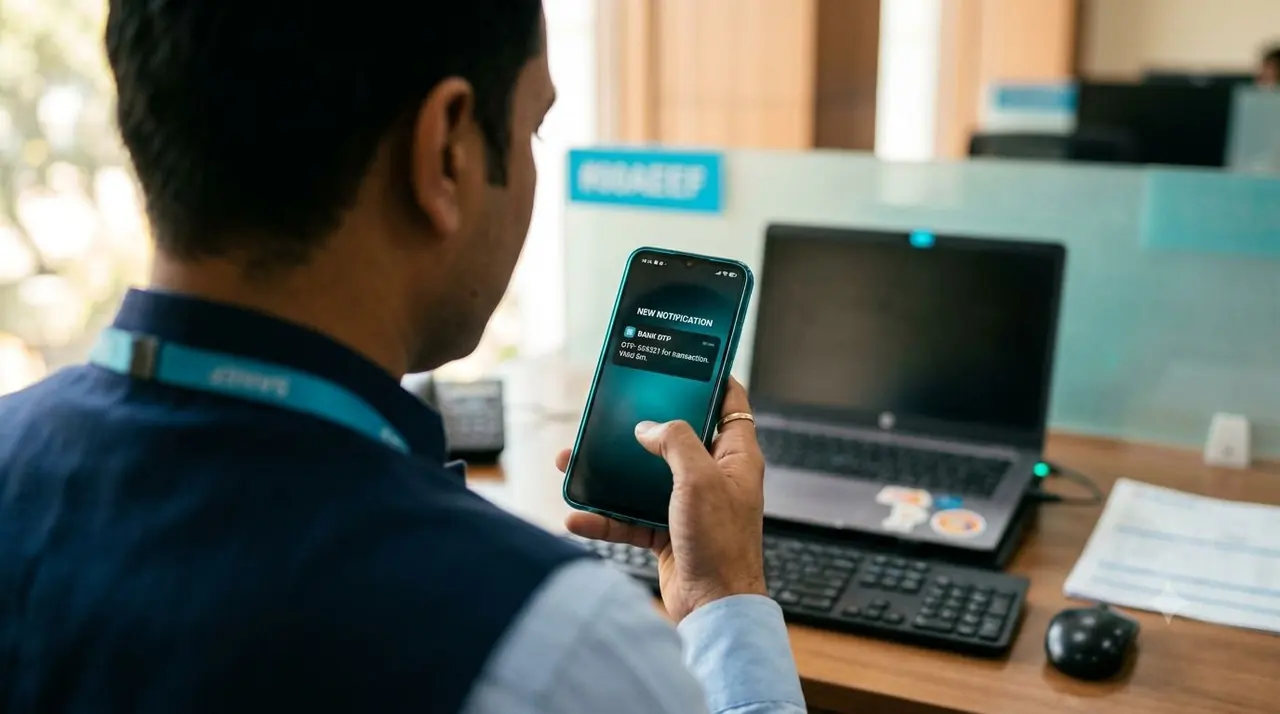
Where one-time passwords are used
OTPs confirm that the person holding the phone is the person acting. The common cases are sign-in and two-step verification, password reset, adding a new payee or changing a payout account, approving an online payment, confirming a phone number at sign-up, and handing over a delivery at the door. Each is a short, high-stakes moment where the user is waiting on the screen, so speed and clarity matter more than anything else in the message.
What a good OTP message contains
Keep the message to a single segment and put the essentials in a fixed order.
- The code first, so it appears in the notification preview
- The product or brand name, so the user knows what the code is for
- The expiry, such as “valid for 10 minutes”
- A short instruction not to share the code with anyone
- No links, no offers and no promotional wording
Designing the flow around delivery
The message is only half of the experience. Generate codes with a secure random source, make each one single-use, and expire it after a few minutes. Let the user request a new code, but make them wait a short time first, and cap the number of attempts and resends per phone number. Rate-limit by phone number and by IP address so the endpoint cannot be used to trigger large volumes of messages. If no delivery report arrives after a short wait, offer a voice call as a fallback instead of asking the user to keep tapping resend. Avoid revealing whether a number is registered in the error messages you show.
Problems to watch for
Most OTP complaints trace back to a handful of causes: a template that does not match what was registered, a message that spilled into two segments, a promotional route used by mistake, or duplicate sends caused by a retry without a reference. Test every template in the sandbox with real handsets on more than one operator before launch, and log the message reference next to each code request so support can trace a single attempt.
What to measure
Track the share of code requests that end in a successful verification, the median time from request to verification, and the failure reasons by operator. A drop in the first number with no change in traffic usually points to a delivery problem on one route. Our OTP best practices guide goes deeper on wording and security, and the delivery reports guide explains the statuses you will be monitoring.